
Hi! I'm Kiku 👋 I can show you around SchoolERP. What would you like to know?
See SchoolERP from every seat
Watch the short film, then see the dashboard each person at your school opens every morning — on a computer and on their phone.
A real school on SchoolERP, open in your browser. No sign-up — read-only, so click anywhere.
Brochure & guidePDF01 · School office & management
School admin dashboard
The whole school on one screen: who is present, who has arrived, how every class did in the last exam, and where the fees stand.
- Attendance, staff arrivals and absentees today
- Exam averages class by class
- Fee collection, month by month
- Leave requests waiting for approval
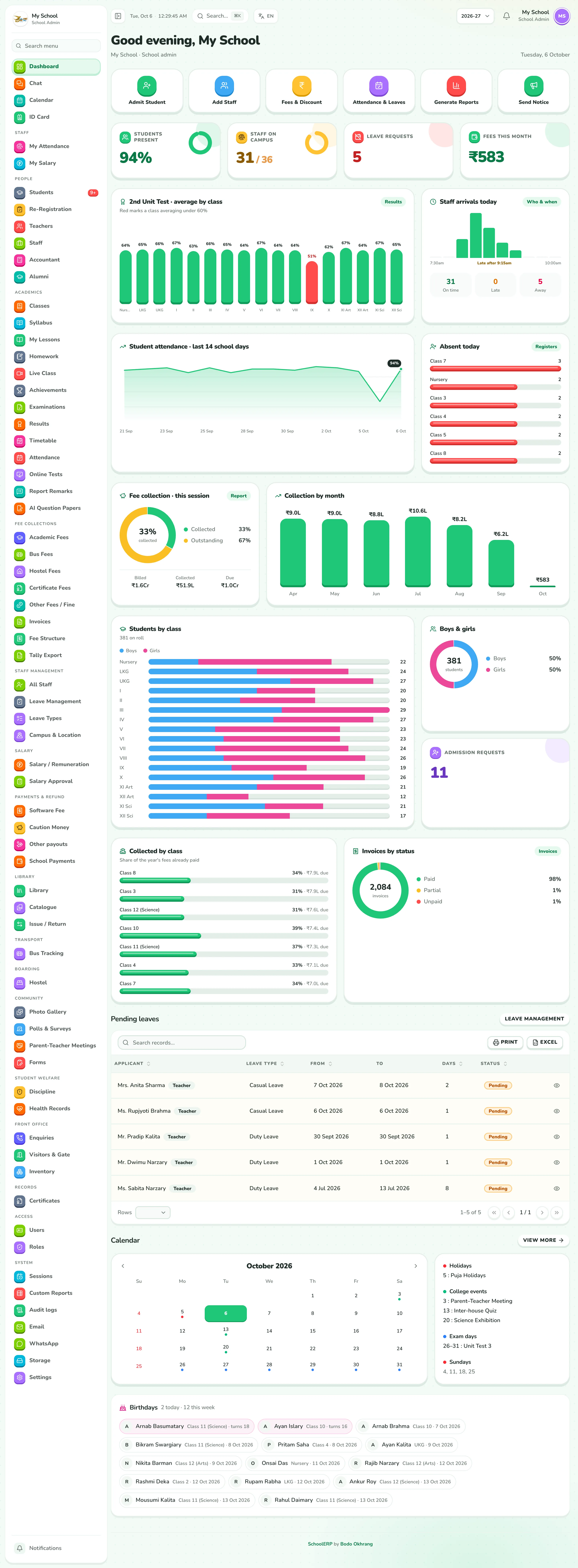

Scroll inside each screen to see the whole dashboard. Shown with sample data — or open the live school admin view above to click through it yourself.
02 · Head of school
Principal dashboard
The same whole-school picture, ready for decisions: which class needs attention, who was late, what is still unpaid, and whose leave is waiting.
- Students present and staff on campus
- Absentees by class today
- Results and attendance trends
- Approve leave and add events
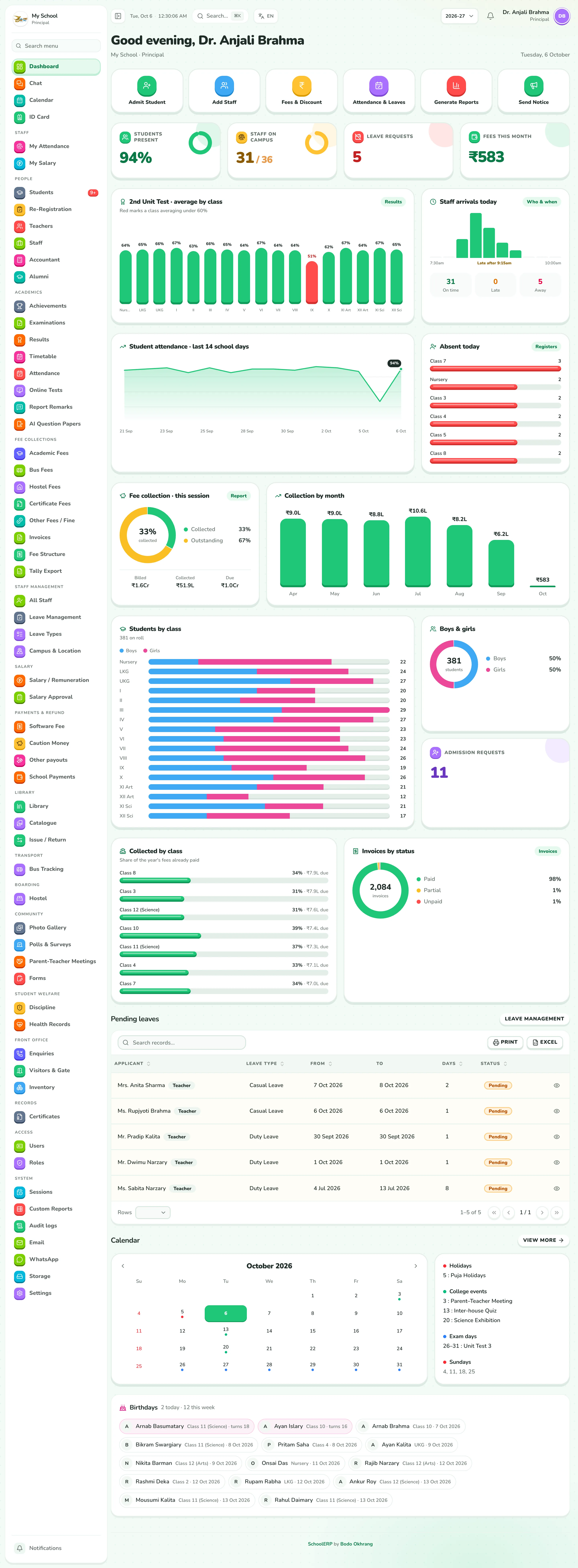

Scroll inside each screen to see the whole dashboard. Shown with sample data — or open the live principal view above to click through it yourself.
03 · Class & subject teachers
Teacher dashboard
The day ahead: today's periods, which registers still need marking, how their classes are attending and how their subjects did.
- Today's periods and registers
- Attendance of every class they teach
- Subject results in the last exam
- Homework coming due
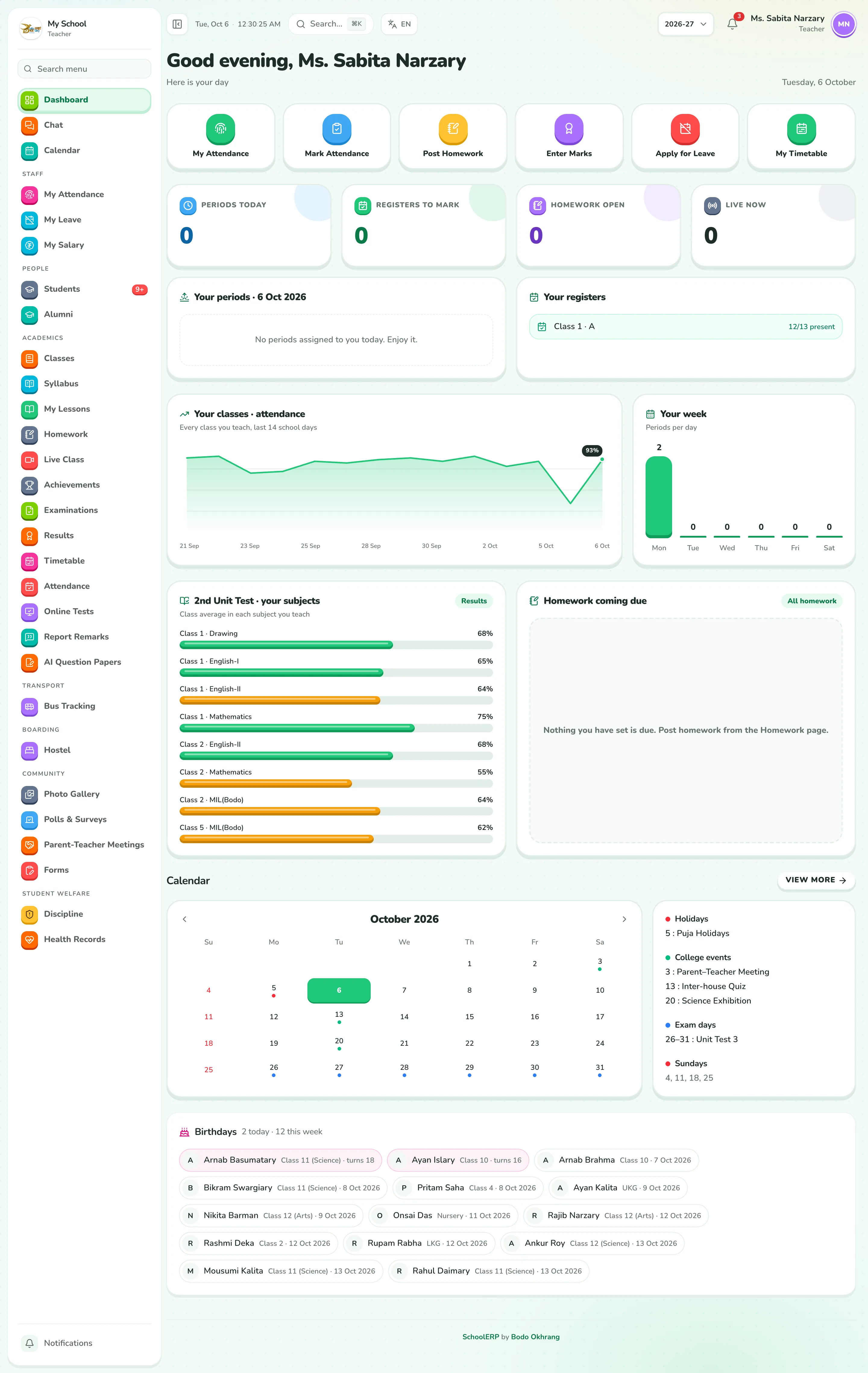

Scroll inside each screen to see the whole dashboard. Shown with sample data — or open the live teacher view above to click through it yourself.
04 · Office & support staff
Staff dashboard
Their own attendance and leave at a glance: check in on campus, see when they usually arrive and how much leave is left.
- Check in and out on campus
- Arrivals against the late mark
- Leave left by type
- Salary and ID card
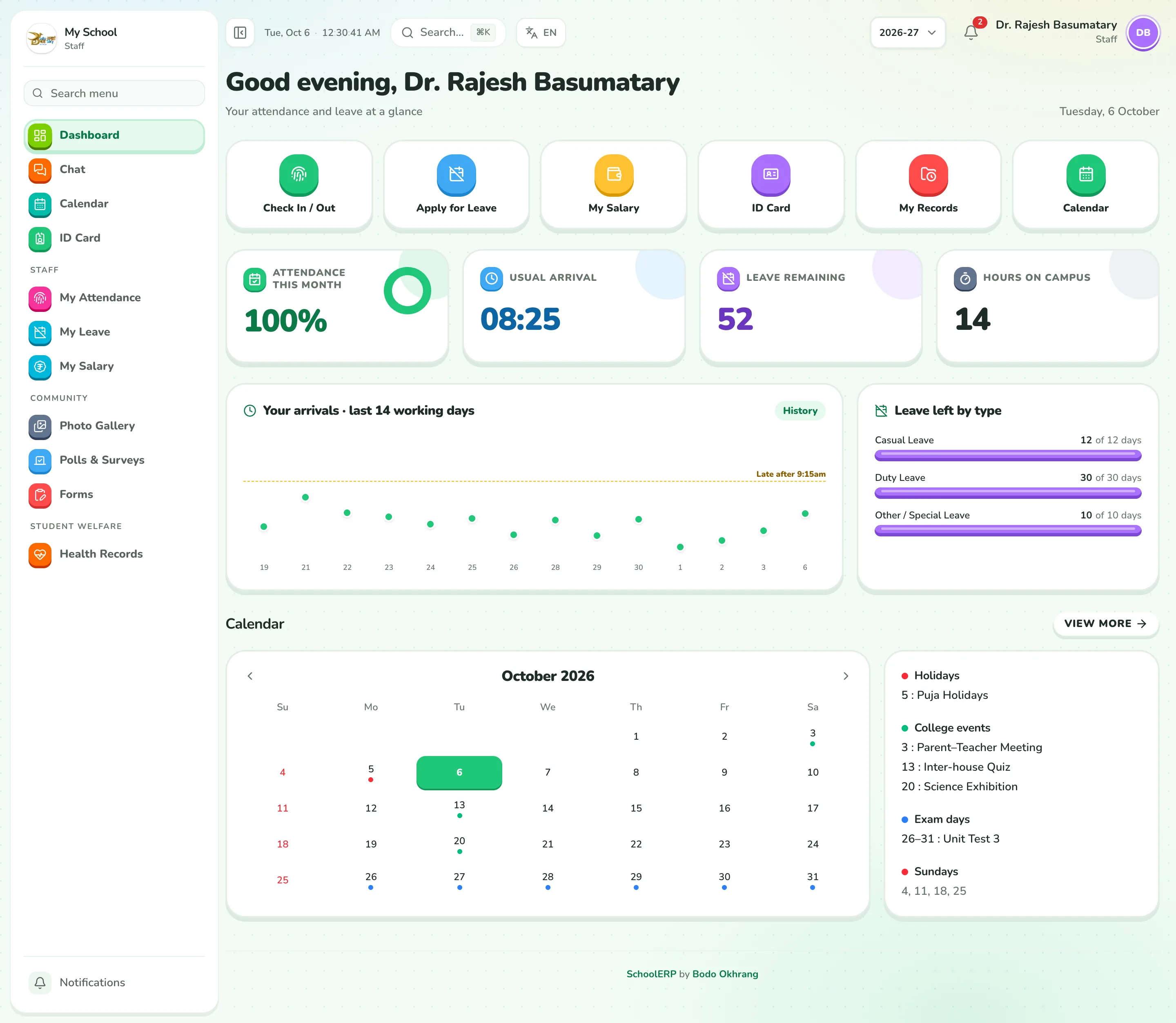

Scroll inside each screen to see the whole dashboard. Shown with sample data — or open the live staff view above to click through it yourself.
05 · Students & parents
Student dashboard
Their ID card on top, then the day's timetable, attendance, marks against the class, homework and fees — all in one place.
- Digital ID card
- Today's timetable and next exam
- Marks compared with the class
- Homework, notices and fees due
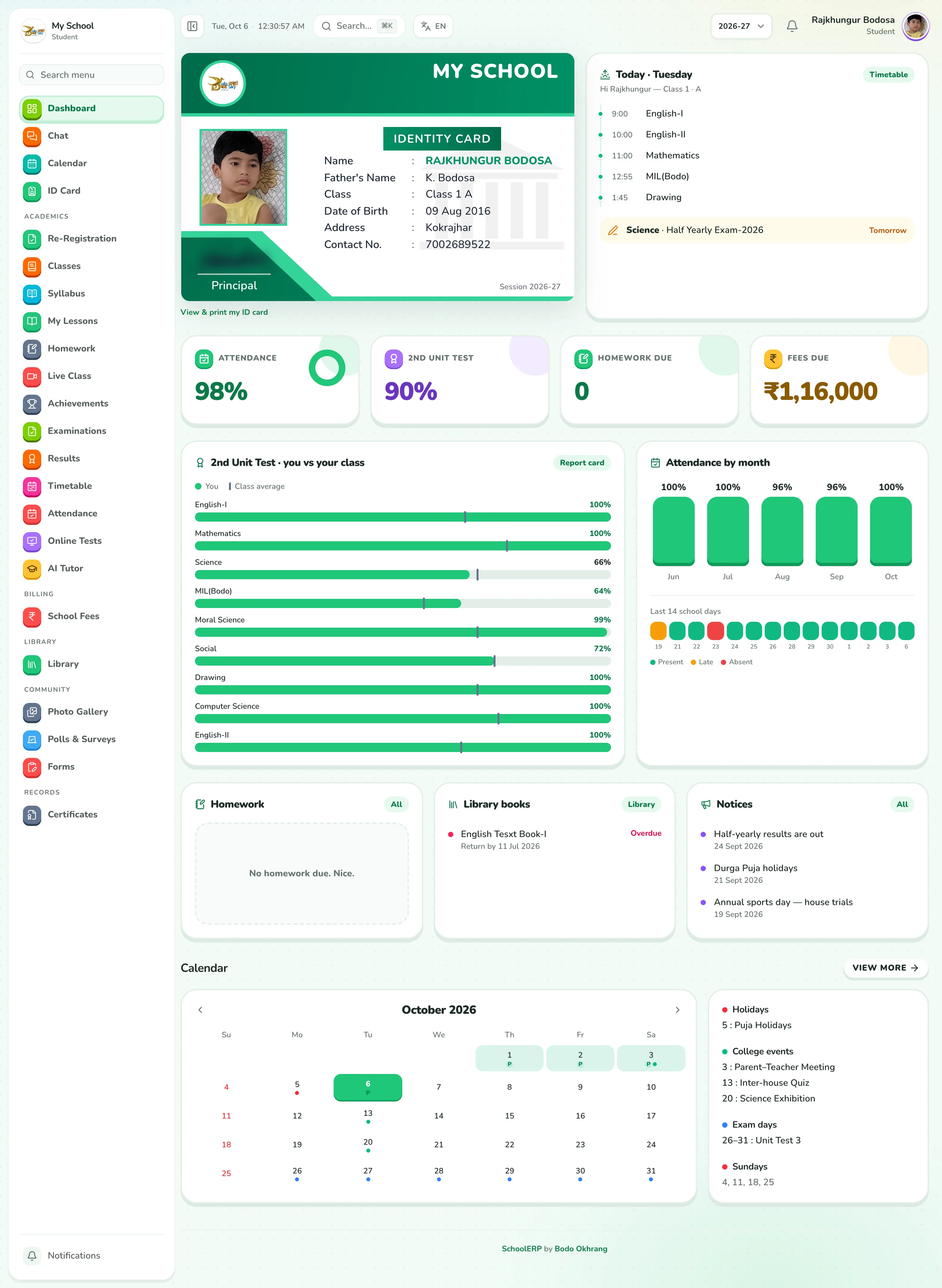

Scroll inside each screen to see the whole dashboard. Shown with sample data — or open the live student view above to click through it yourself.
Want to see it with your school's name on it?
We'll set up a walkthrough with your classes, fees and staff.